
If you’ve received or discovered a valid discount code for our WordPress themes, you can apply it during the checkout process.
To use a coupon, simply browse and select the theme you’d like to purchase. Click Buy Now to proceed to the checkout page. On that screen, just below the Total and just above the payments, you’ll see a prompt to enter a coupon code ‘Have a coupon? Click here to enter your code‘ (as shown in the screenshot below).
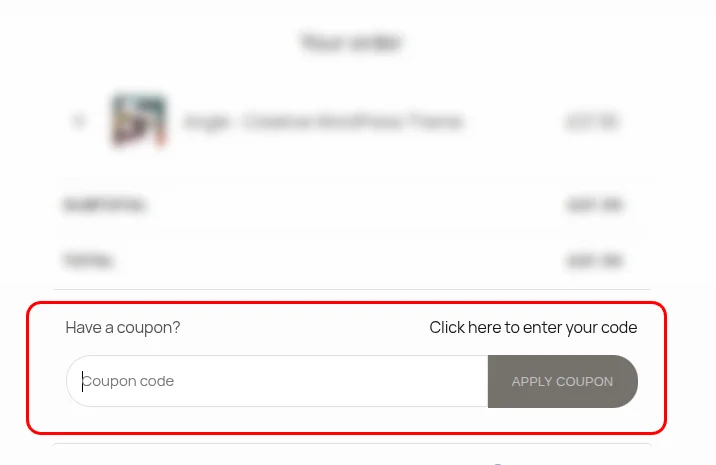
Click the link that says “Click here to enter your code”, enter your coupon and hit Apply Coupon button. If the code is valid, the total will be updated automatically to reflect the discount.
Please keep in mind that promo codes may have a short expiration date and could be subject to additional restrictions, such as limited usage or incompatibility with other discounts.
If your code isn’t working or you have questions about eligibility, feel free to contact us for assistance.